
Speech in. Translation out.
Real-time text comes in, translates, and renders on the courtroom display.
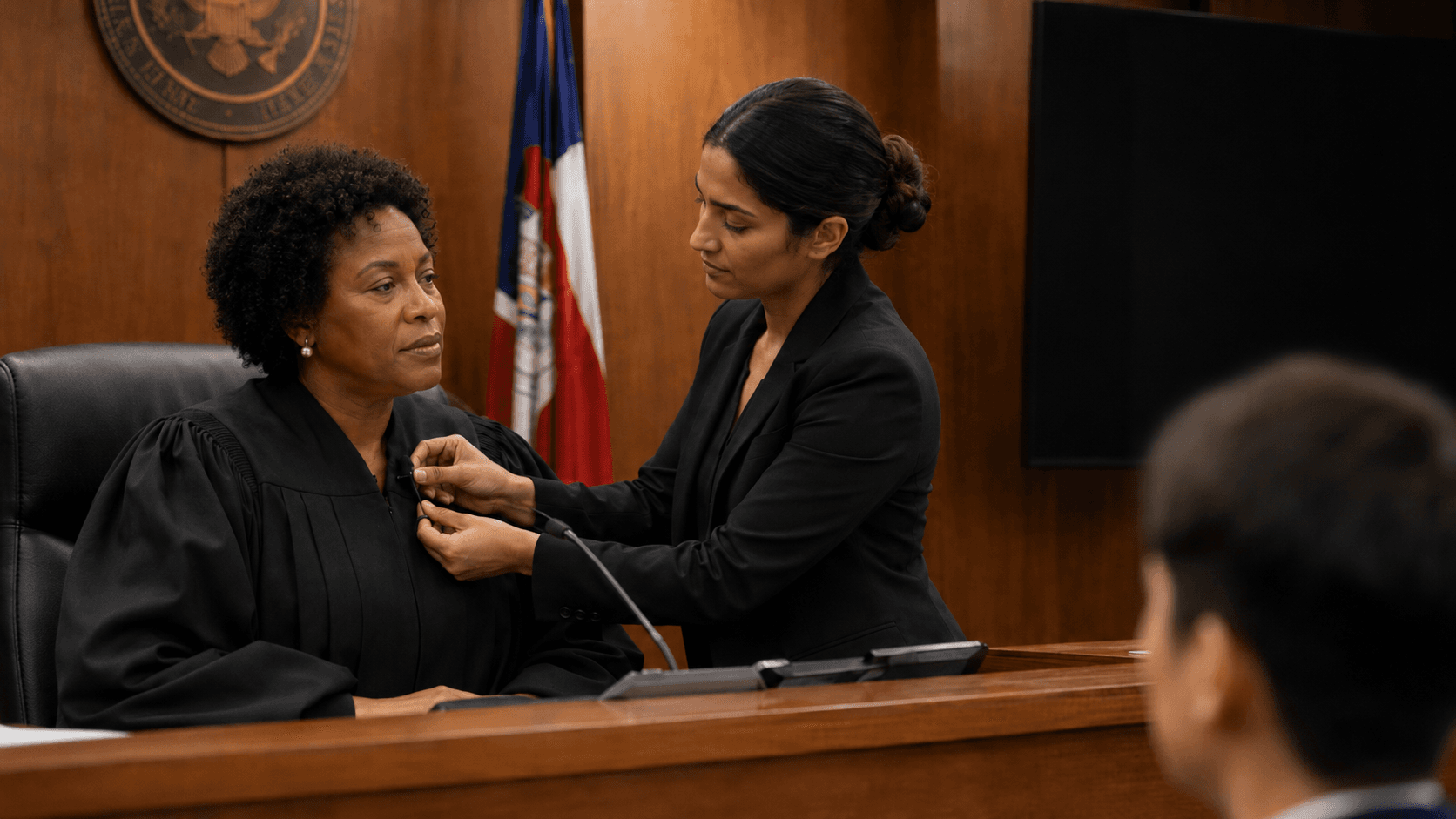
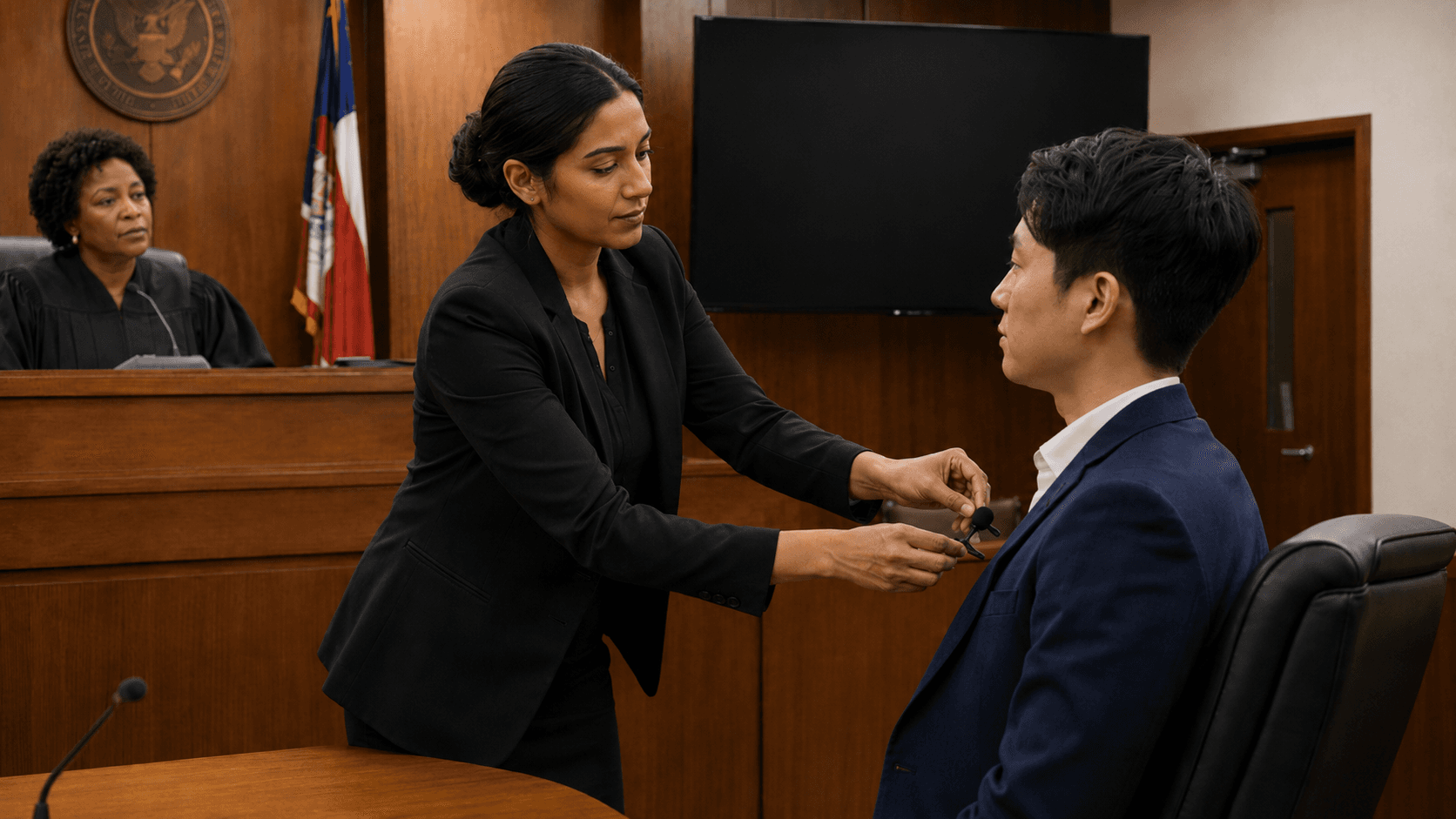
1. Place the mic
Put a wireless mic on the person who needs interpretation.
2. Start the session
Choose role, source language, and target language.
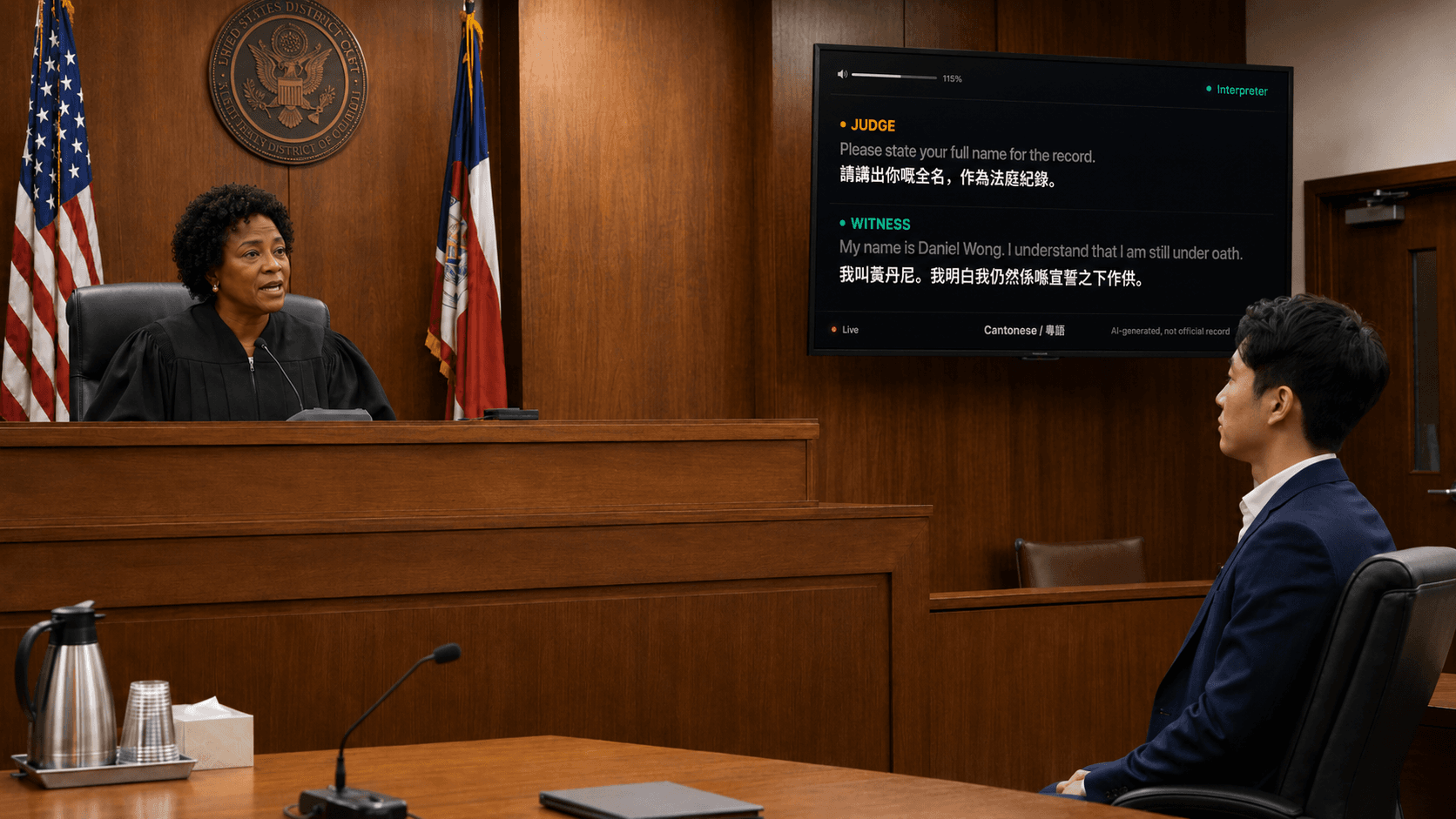
3. Display subtitles
Show live translated lines on the courtroom screen.
Built for court policy.
Court Interpret AI is standards-informed support for language access, courtroom display, and local operating procedures.
Language access
Supports court language access workflows for limited-English-proficient participants.
Effective communication
Designed to help courts provide readable live text on existing courtroom displays.
Court practice
In accordance with courtroom technology and interpreter workflow best practices.
Local policy
Retention, review, and operating procedures can be configured around each court.
Important disclaimer
AI-generated interpretation support. Not an official court record or certified transcript.
FAQ
Practical setup questions for courts evaluating a pilot.
Do we need custom hardware in the courtroom?+
No custom courtroom buildout is needed. We ship the wireless mics and help configure the setup so it is plug and play.
Does anything change for court staff?+
The courtroom workflow stays the same. Staff place the mic, open the browser console, choose the language, and start the session.
Does anyone need to install an app?+
No app installation is required. The operator console and display run in the browser.
Can it handle separate judge and witness mics?+
Yes. Each mic can be treated as its own channel, so the screen can show which speaker is being translated.
Can we show subtitles on an existing courtroom screen?+
Yes. The live display is just a browser page, so it can run on a courtroom monitor, TV, projector, or another connected display.
Does it need internet?+
Yes. The current setup needs a reliable internet connection for speech recognition and translation.
Is this the official court record?+
No. It is AI-generated interpretation support, not an official court record or certified transcript.
Do you store courtroom audio?+
The demo workflow is designed around live processing, not building an audio archive. Production retention rules can be configured around court policy.
Can it work across multiple devices?+
Yes, but multi-device operator, interpreter, and display workflows should use a realtime backend so every screen stays in sync.
What do we need for a pilot?+
A courtroom, a display, internet, and the shipped mic kit. We handle the browser-based software setup.
Who should reach out?+
Court administrators, clerks, judges, language access coordinators, or IT teams can contact us with the court name and target languages.